From Windows share to named attachment
The advanced, utilities workflow component, From Windows share to named attachment enables you to load a file from a Windows share (SMB 2/3) into a named attachment in the workflow.
The component has these parameters:
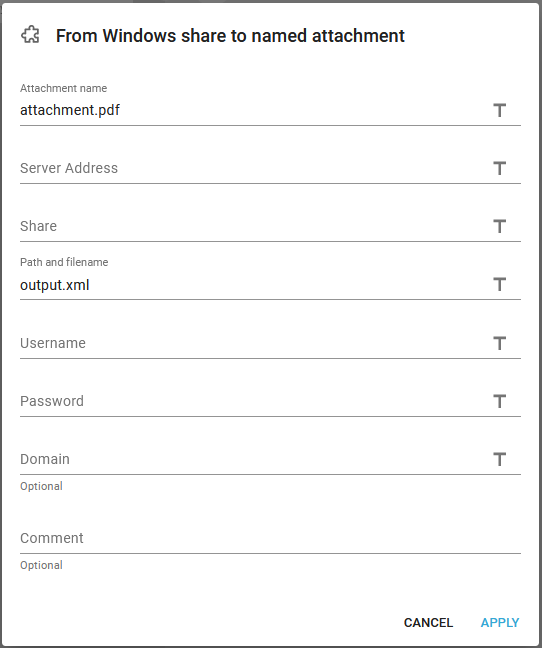
- Attachment name
The name of the attachment in the workflow to receive the data. - Server address
The IP-address or DNS server name of the remote machine, where you want to save the output file to. - Share
The file share name on the remote Windows server. This points to a directory/folder on the remote machine. This link might help you to define a share on the remote server:
https://support.microsoft.com/en-us/windows/file-sharing-over-a-network-in-windows-10-b58704b2-f53a-4b82-7bc1-80f9994725bf - Path and file name
The path and file name on the remote server relatively to the shared directory.. - User name
InterformNG2 need to have credentials in order to gain access to the remote server. Here you state the user ID/name. - Password
InterformNG2 need to have credentials in order to gain access to the remote server. Here you state the password for the user stated above. - Domain (optional)
The domain for the user mentioned above - if required by the remote server.